
Vikas Edit | Trending VN Code, CapCut Templates & Prompts - Discussions
Join the conversation and discuss our latest updates and resources.
Author
Liam O'Connor
What Vikas Edit is about
If you make videos for Reels, Shorts, or TikTok, you already know the hardest part isn't filming — it's editing. Getting that smooth velocity edit, the perfect beat sync, the trending transition... it takes hours when you start from scratch. That's where VN codes and CapCut templates come in, and that's what this site is about: helping you use them well.
Vikas Edit is an independent resource blog for mobile video creators. We explain how VN codes work, how CapCut templates work, and share AI prompts to spark video ideas. We're not affiliated with VN Video Editor or CapCut — just creators helping creators.
VN codes, explained simply
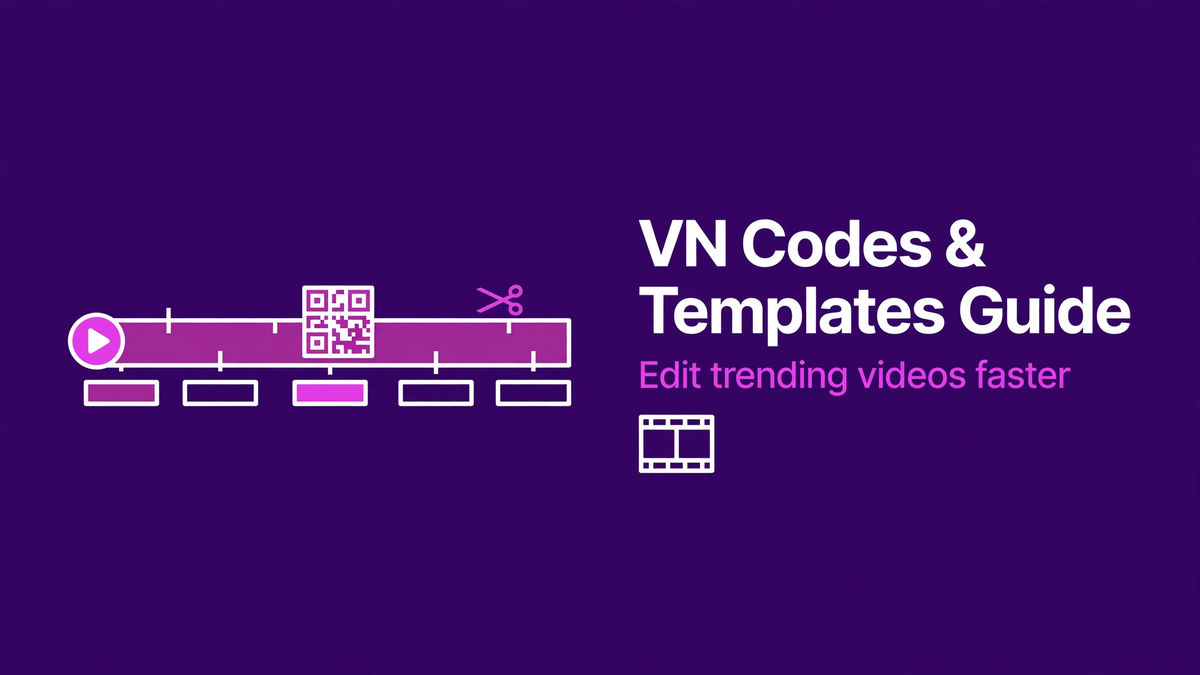
VN Video Editor is a free mobile editing app, and one of its best features is project sharing via codes. A creator finishes an edit — cuts, effects, music timing, everything — and exports it as a shareable code (often shown as a QR-style code). You scan or enter that code in your own VN app, and the entire project template loads onto your phone. Swap in your own clips, and you've got the same edit structure in minutes instead of hours.
It's a brilliant system for learning, too. When you open someone's project, you can see exactly how they timed each cut, which effects they stacked, and how the audio is layered. Our step-by-step VN code guide walks you through the whole process.
CapCut templates: the same idea, different app
CapCut — the editor from the TikTok folks — has its own template system. Creators publish templates with pre-built effects and transitions; you tap "use template," drop in your photos or clips, and CapCut renders the result. Templates are why so many trending videos look similar: everyone's building on the same shared starting point. The skill is in what you put into them. Our CapCut templates guide covers how to find good ones and use them safely.
AI prompts for video ideas
Running out of ideas is the other half of the struggle. That's where AI prompts come in — well-crafted prompts for tools like ChatGPT or Gemini that help you brainstorm hooks, scripts, captions, and content series for your niche. A good prompt doesn't just say "give me video ideas" — it tells the AI your niche, your style, and what your audience responds to. We keep a growing collection to get you unstuck.
A few honest notes
- Trends expire fast. A template that's everywhere this week is cliché next month. Use templates to learn and to ship quickly, but develop your own style alongside them.
- Credit creators when you build directly on someone's shared project — the VN community runs on goodwill.
- Get the apps from official sources. VN Video Editor and CapCut are both free on the Google Play Store and Apple App Store. Our download page points you the right way — never install "mod" or "pro unlocked" copies from random sites; they're a classic malware vector.
That's the whole pitch: less time fighting the timeline, more time making videos people actually watch.
Liam O'Connor
Original Post
Do CapCut templates work properly if I do not have the pro version?
The AI prompts for video ideas are underrated. I got three reel ideas from a single prompt.
The VN codes explainer here finally made it click for me. I was scanning QR codes without understanding what they actually do.